

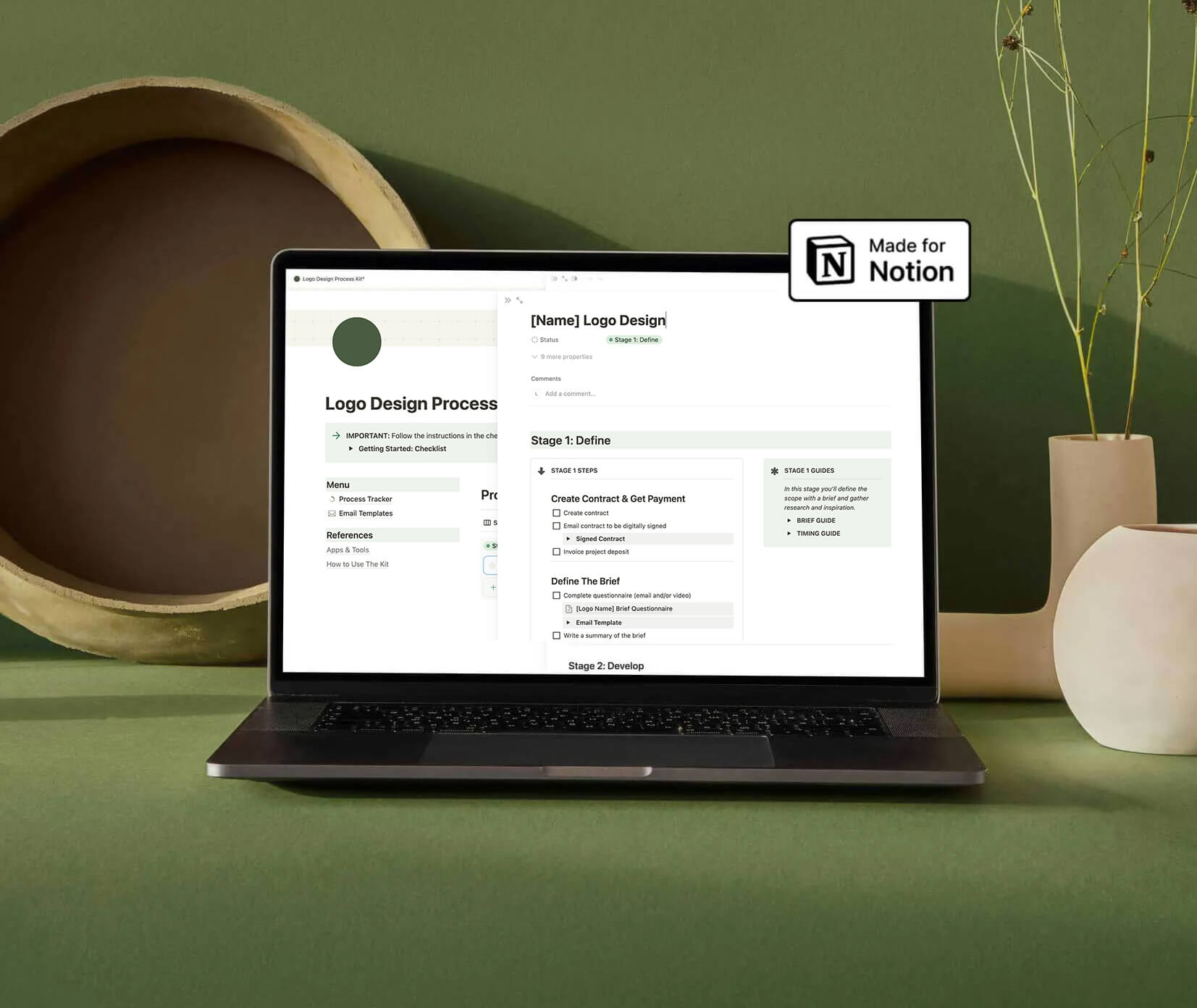
Logo Design Process Kit
Most logo designers don't struggle with the actual design work. They struggle with everything around it – keeping track of where a project is up to, remembering what they've covered with a client, knowing what comes next. Without a clear system, it's easy to miss steps, lose information, and quietly lose confidence in your own process.
This kit is the Notion dashboard I built to solve that for myself. It gives you a structured, customisable system to track every logo project from brief to delivery, so you can focus on the work instead of managing the chaos.
What's included
The kit has three main parts:
- The Process Tracker is a step-by-step checklist that guides you through each stage of a logo project – from initial research right through to handing off files. You can customise each step to match how you actually work, and add notes, sketches, and references as you go.
- The Brief Questionnaire Template is a clean, shareable document you can send to clients at the start of every project. It's designed to get the right information without overwhelming people, and it automatically generates a new copy for each new job.
- The Logo Delivery Template gives you a ready-made document to send alongside your final files. It explains the formats you've provided and how to use them – the kind of thing that makes you look organised and professional without spending extra time on it.
Everything lives in one Notion workspace, and because it's a template, you duplicate it for each new project and start fresh every time.
Who it's for
- New logo designers. If you're still figuring out your process, this gives you a solid foundation to work from. Instead of reinventing the wheel on every project, you have a clear starting point that keeps you on track from day one.
- Experienced designers who want more consistency. If your process works but lives mostly in your head, this kit helps you externalise it. Having a reliable system means less mental overhead and more consistent results for your clients.
- Designers who want to look more professional. The brief questionnaire and delivery template alone are worth the price of admission. They're the kind of polished touchpoints that build client trust without taking much time to set up.
About the kit
I'm Liv, a brand designer based in Aotearoa New Zealand. I've been working in logo and brand design for over a decade, and this kit came out of a genuine need in my own practice. I wanted something that kept me organised without being complicated – a system I'd actually use, not just admire from a distance.
DesignGuide° is built around the same idea: practical tools for designers who want to do good work sustainably, without the noise.
FAQs
- Do I need to know how to use Notion? Basic familiarity helps, but Notion is intuitive enough that most people pick it up quickly. The template is set up and ready to use – you don't need to build anything from scratch. Notion is also free to use for personal accounts.
- Can I customise the template to suit my own process? Yes, that's the point. The template is a starting point, not a rigid framework. You can add, remove, or rename any section to fit the way you work.
- What if my logo process is different from yours? That's fine. The kit is structured around the stages most logo projects share, but it's flexible enough to adapt. Use what works, change what doesn't.
- Is there a refund policy? Because this is a digital product, I don't offer refunds. If you have a question about whether it's right for you before buying, feel free to get in touch.